
One tune. A whole workspace.
Create scores, chord charts, lyrics and diagrams. Organize your materials, practice, share, host Jams and teach in one place.
Make something
you’ll actually use.
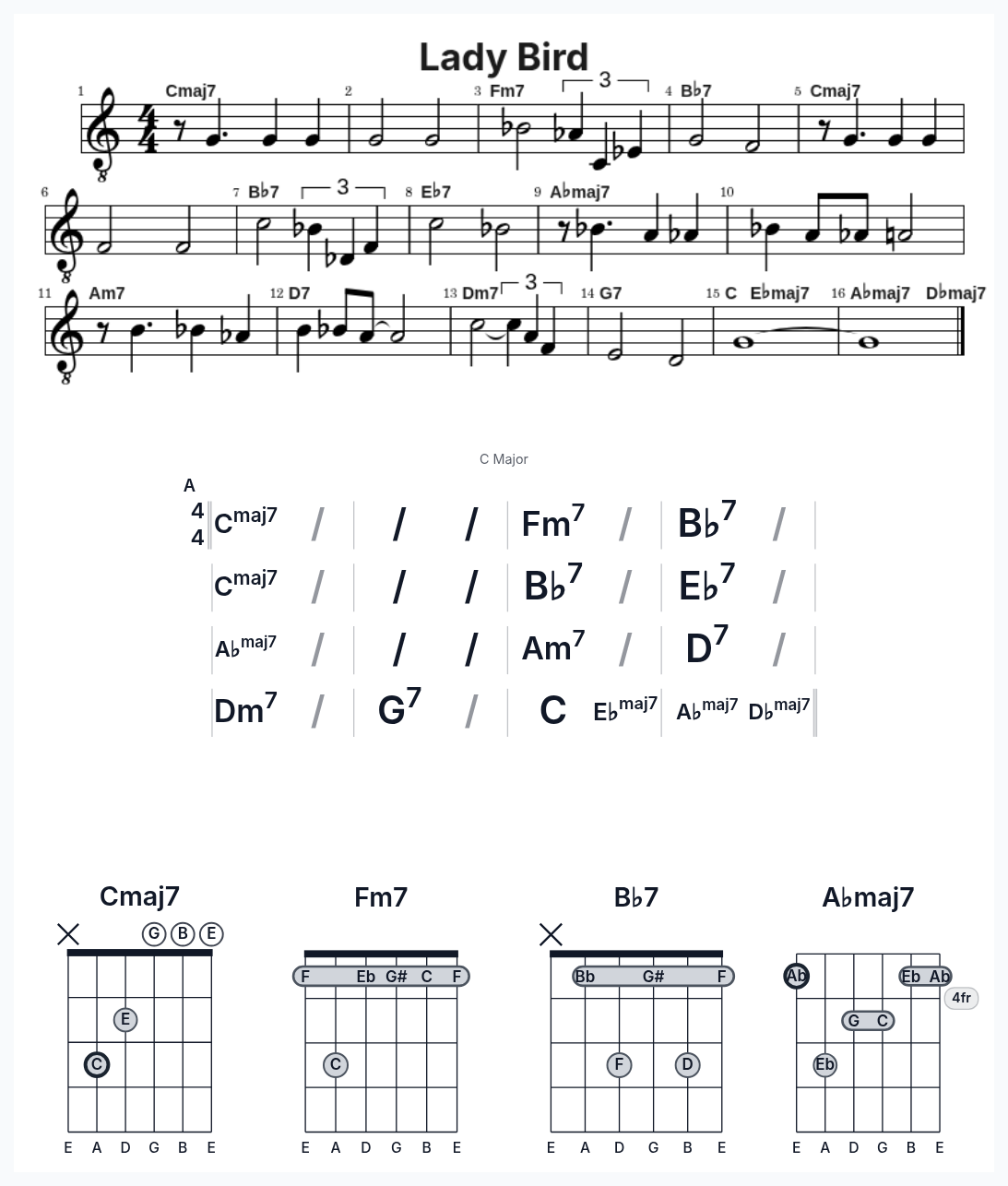
Scores. Chord charts. Lyrics. Diagrams. Custom pages.
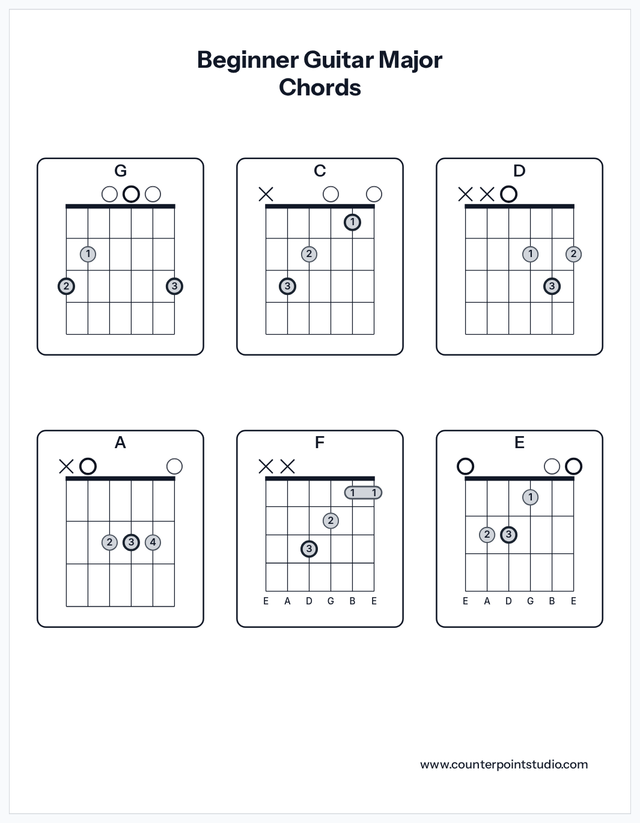
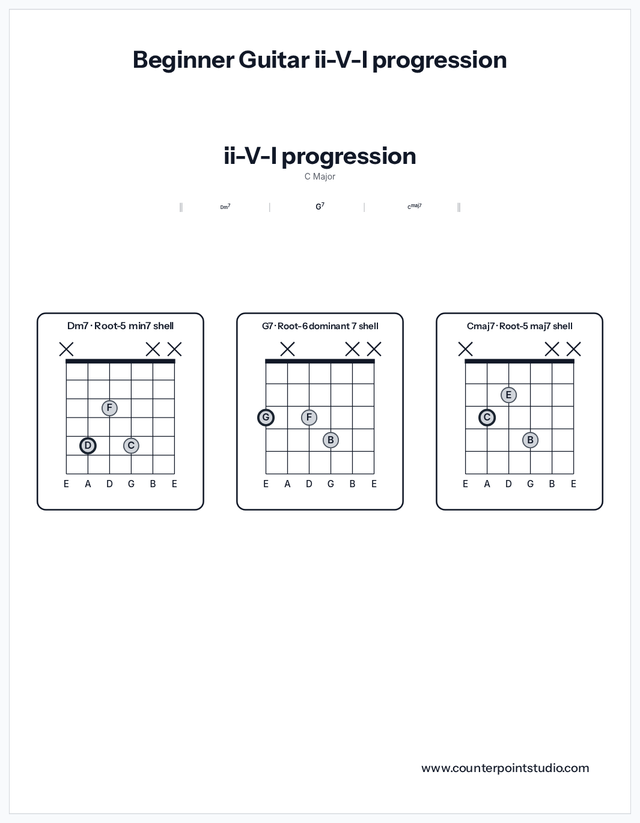
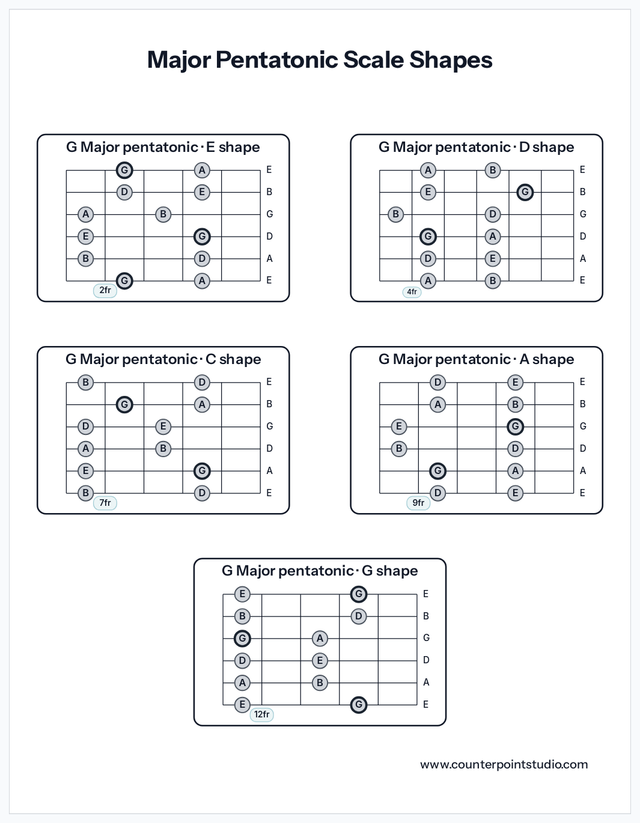
Combine notation, chord diagrams, lyrics and text on a single page, or create focused chord charts and lead sheets. Import MusicXML or ABC files to get started quickly.
See how it works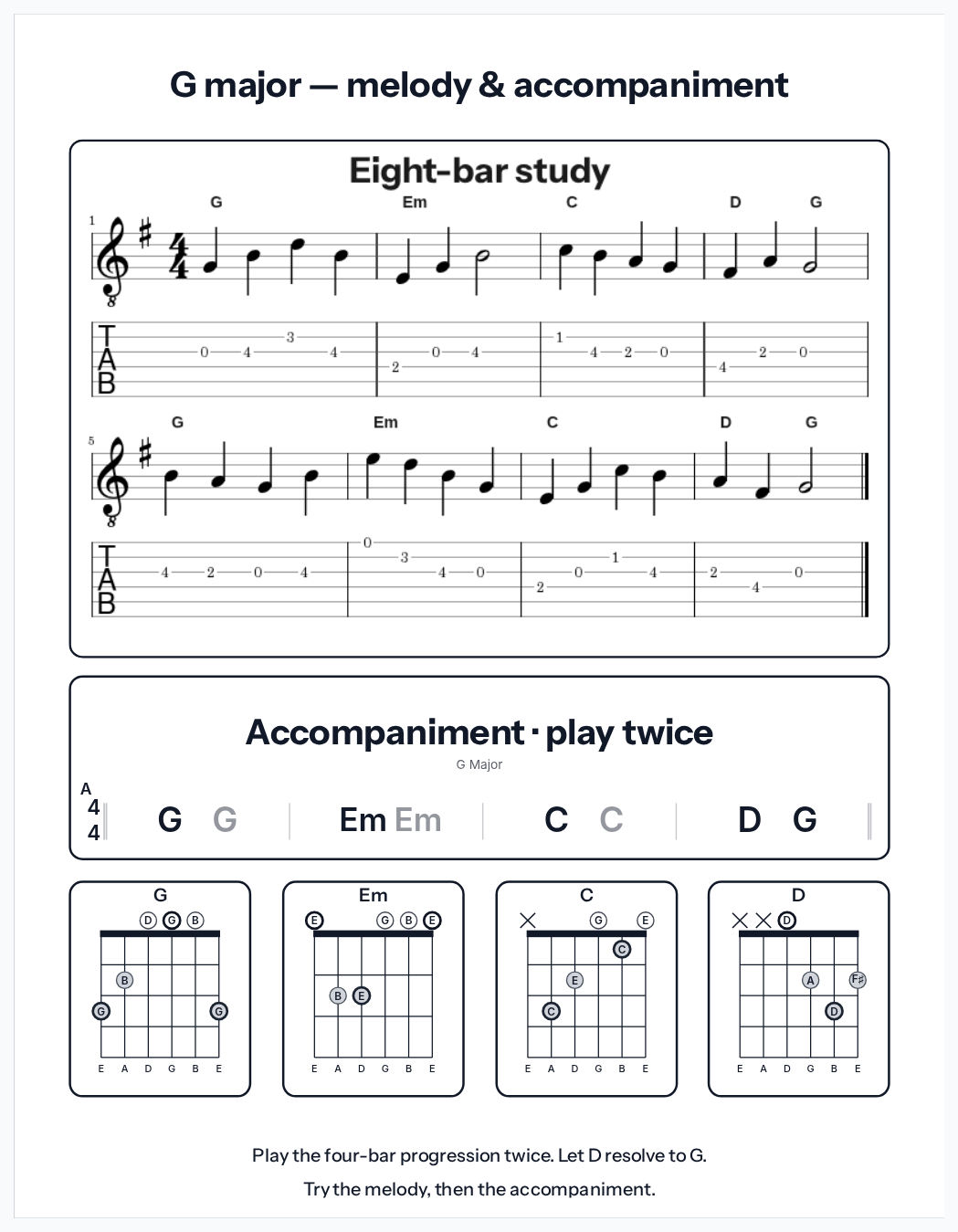
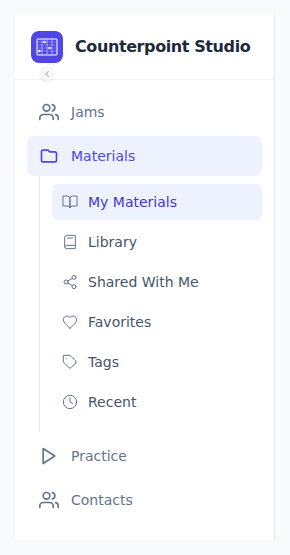
Find your music. Focus your practice.
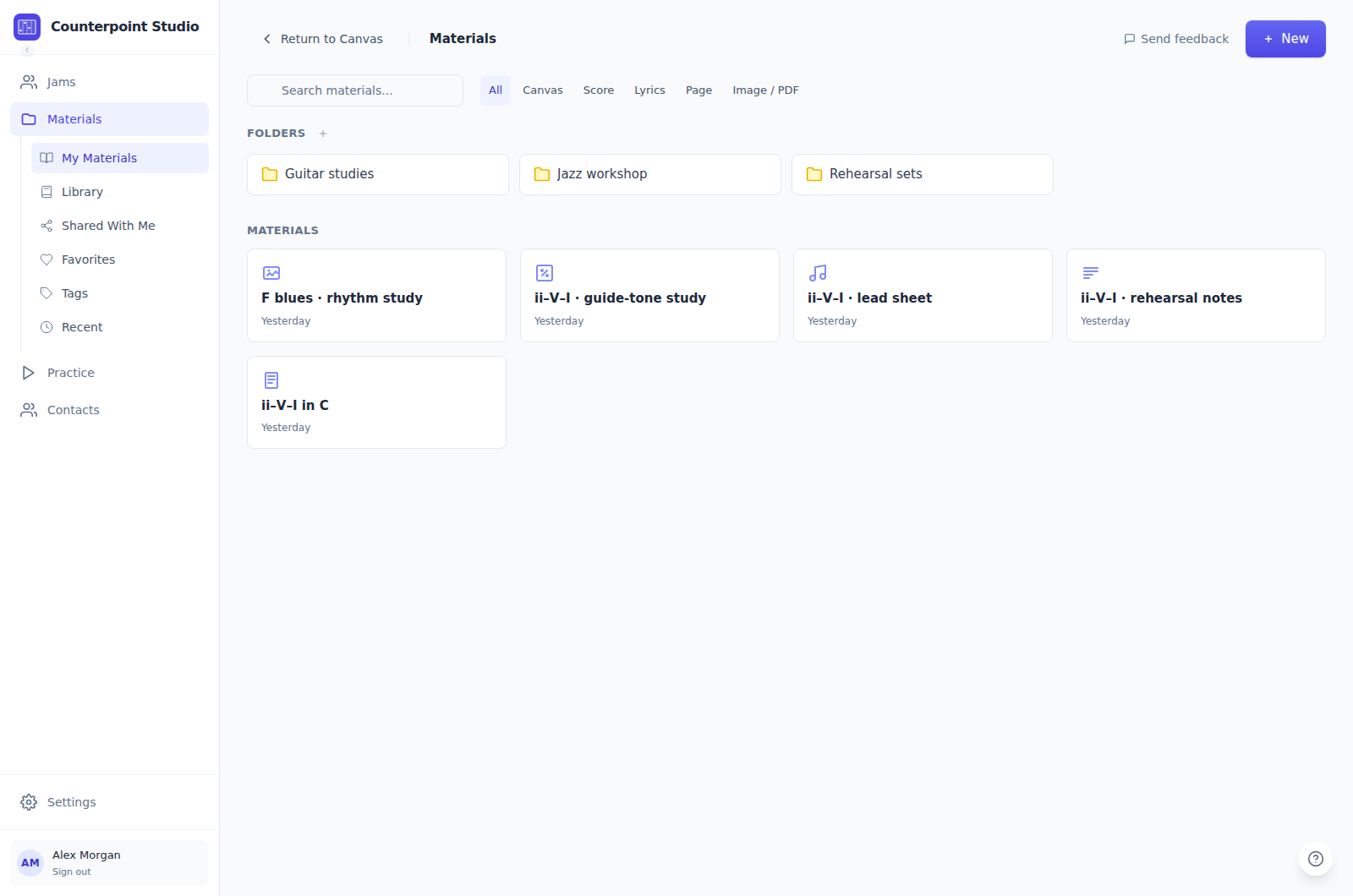
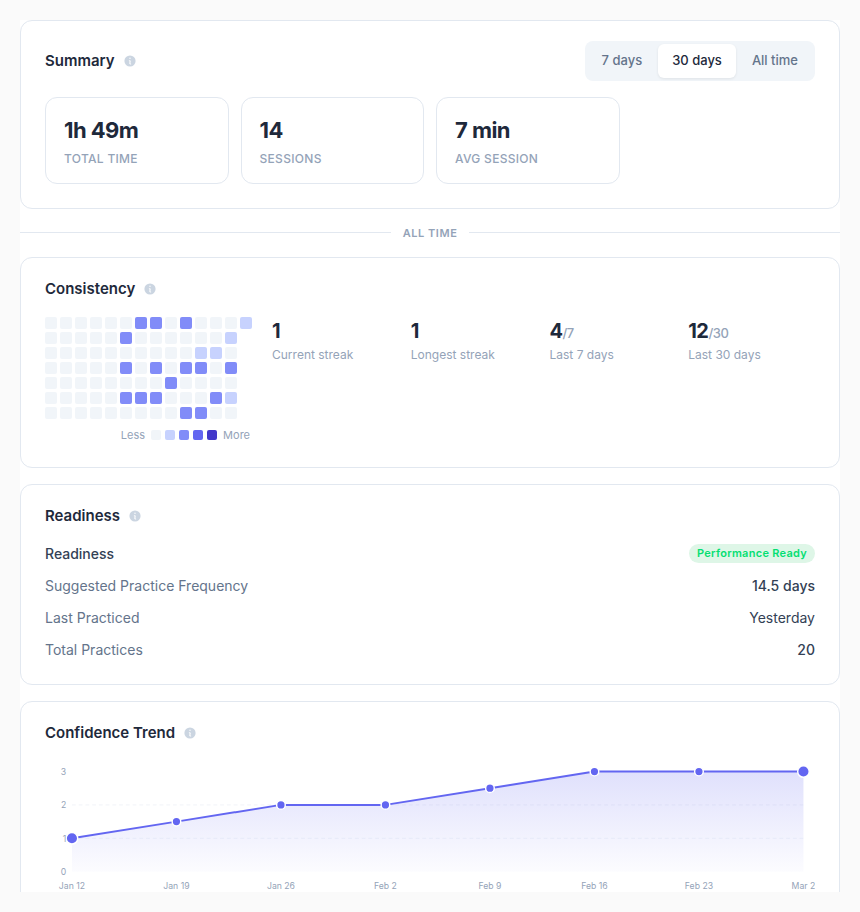
Keep materials in folders and find them with search and filters. Use Smart Practice to prioritize what needs attention.
Bring everyone onto the same tune.
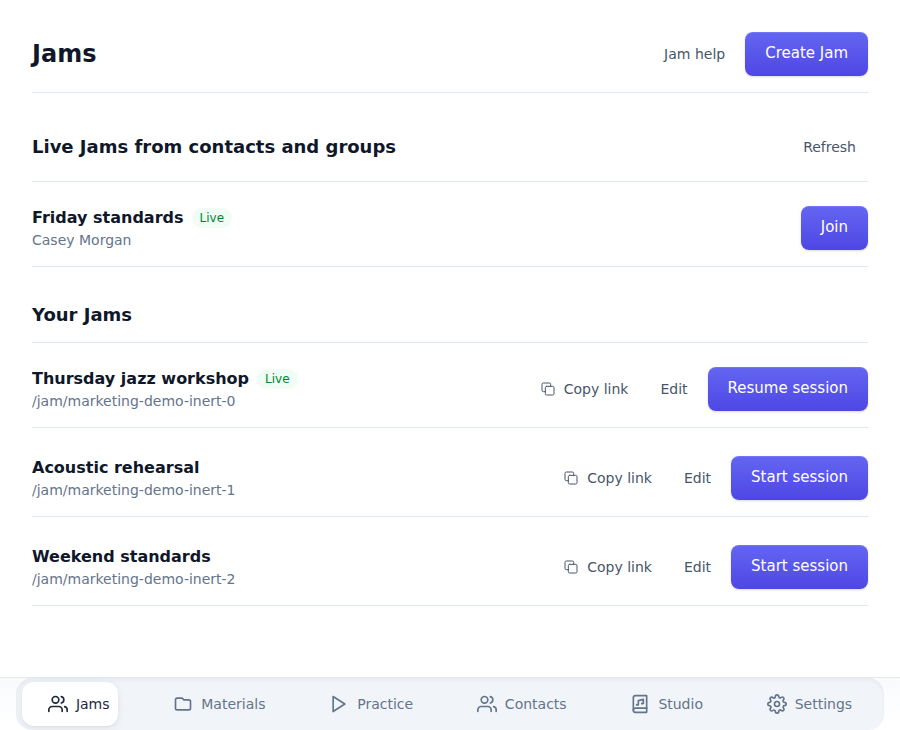
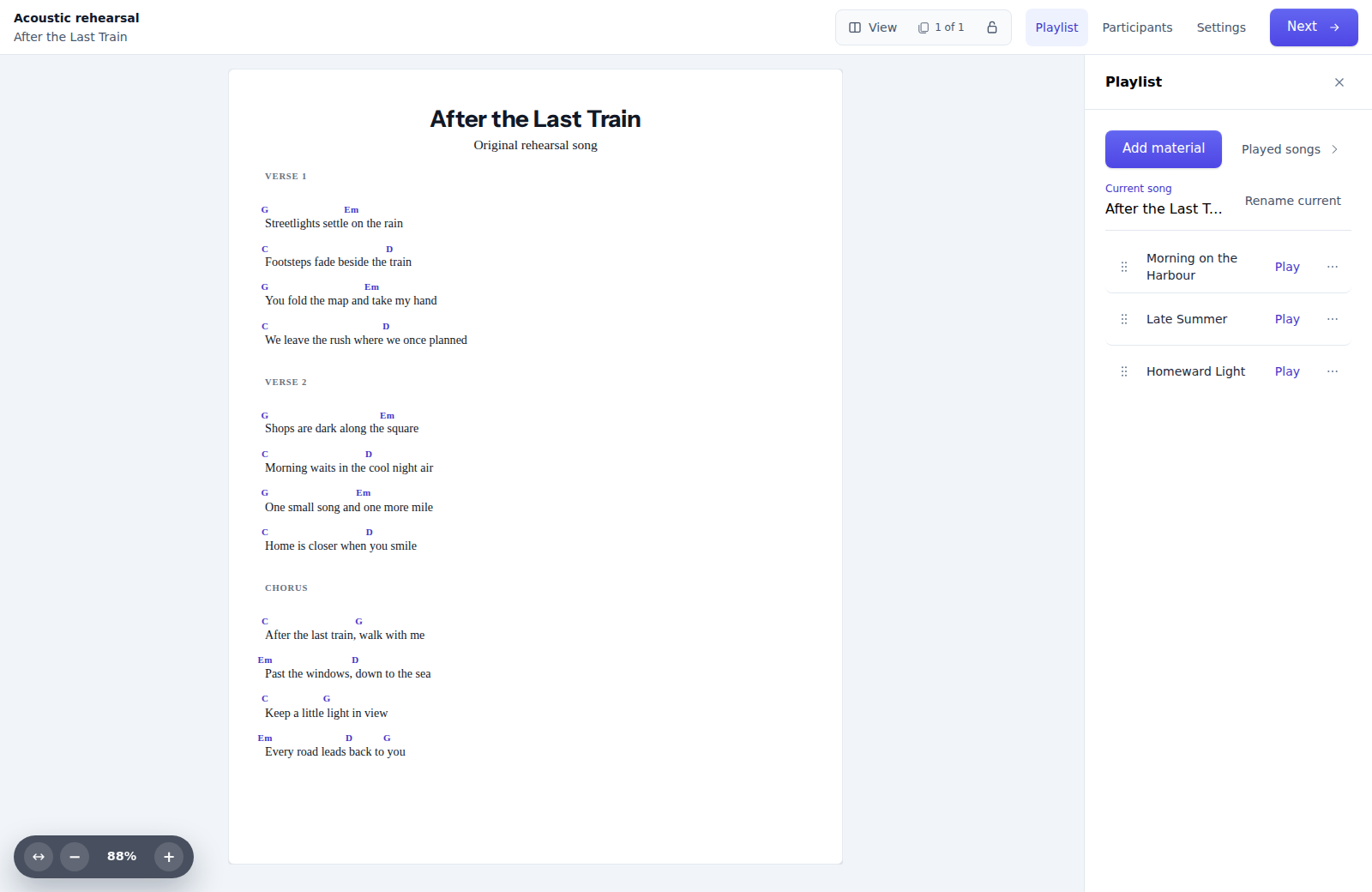
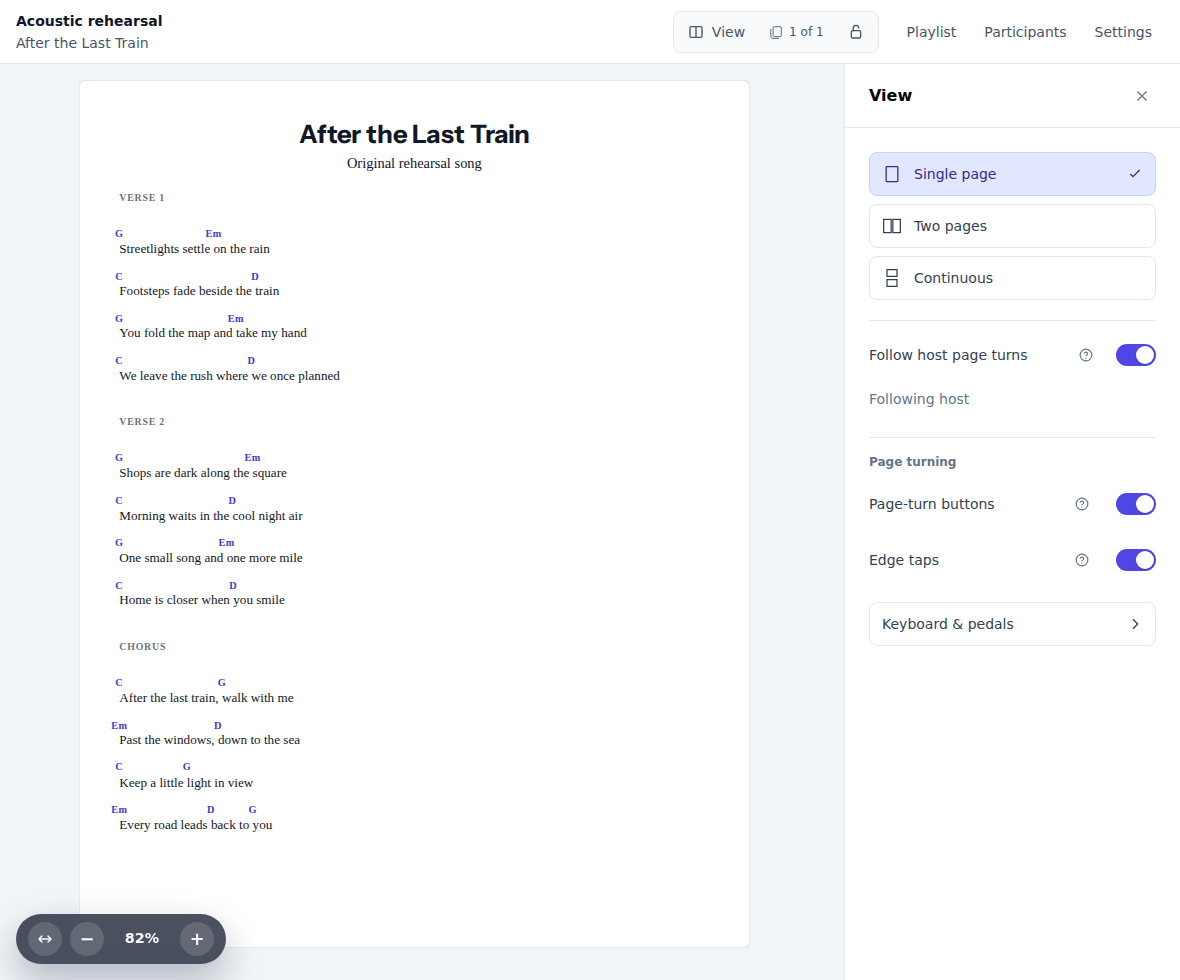
Start a Jam. Invite players by link or QR code. Choose a tune and everyone sees the music.
Guests can join without an account.
Share an invitation link or QR code and bring everyone into the Jam.
Build the playlist together.
Enable contributions so subscribed players can add music to the playlist.
Follow the page. Keep your view.
In Single page or Two pages, follow the host’s page turns with your own zoom and layout.
For teachers and studios.
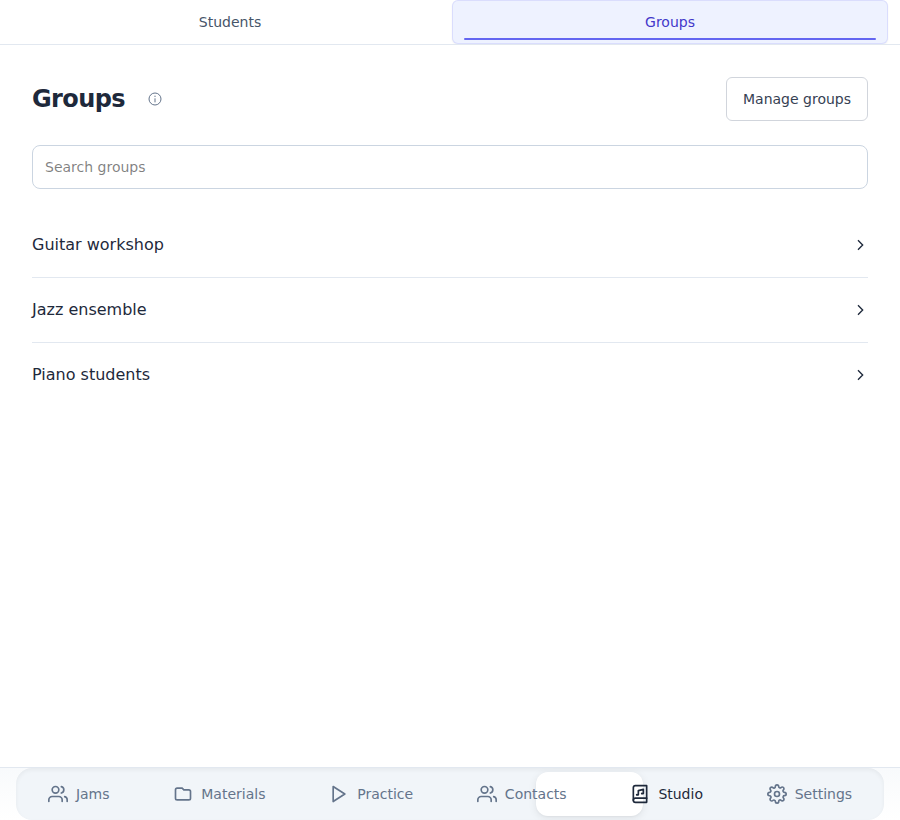
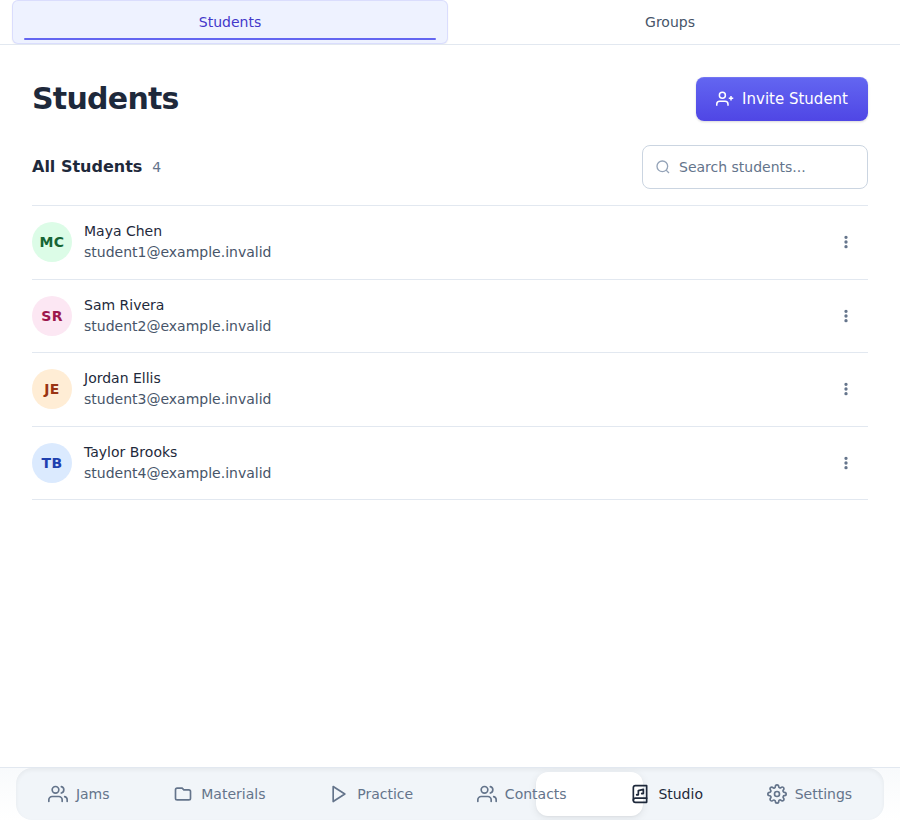
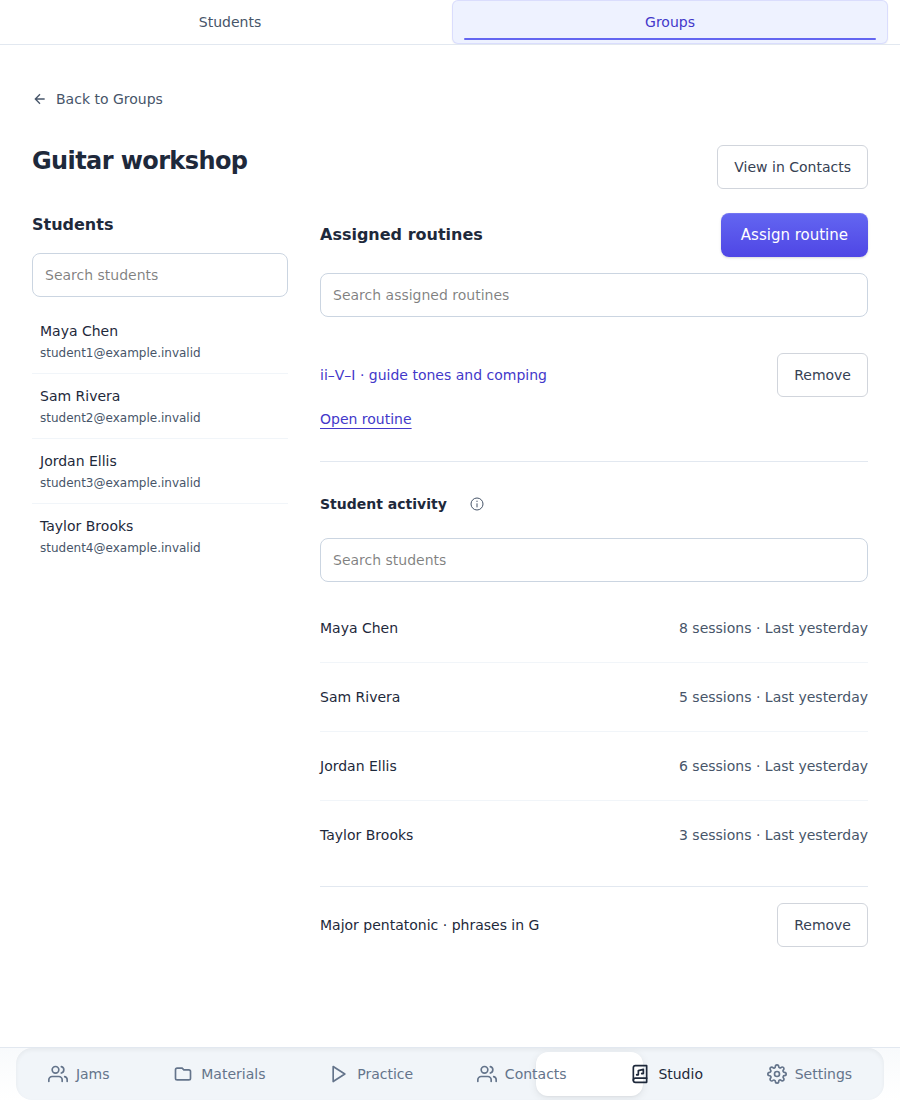
Prepare materials, organize students and groups, assign practice routines and follow progress — all in one place.
Share and print
Send a material link to a student or bandmate, or print a copy for the music stand.
See what you can make.
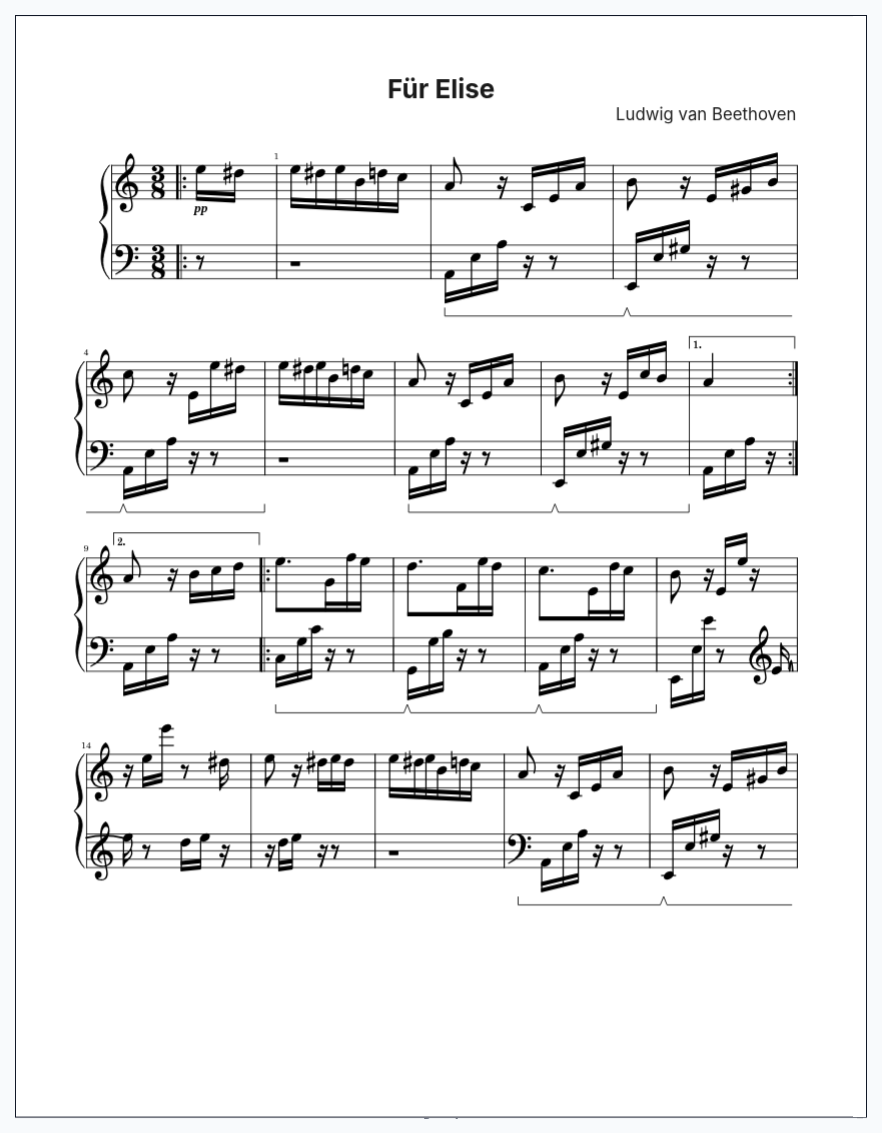
Real examples from Counterpoint Studio. Open a sample and explore the music.
Frequently asked questions.
Can I import existing files?
Yes. Import MusicXML or ABC notation and keep working with your existing scores. You can also bring Images and PDFs into your materials.
How does hosting a Jam work?
A subscriber starts a Jam and invites players by link or QR code. Guests can join without an account. When the host enables contributions, subscribed participants can add music to the playlist.
What devices are supported?
Counterpoint Studio runs in your browser on desktop, laptop, tablet and phone, including iPad and Android. No installation is required.
What’s the difference between Standard and Teacher?
Both include creating, organizing, sharing and Smart Practice. Teacher adds student and group management, practice assignments and tools for following student progress.
More about plans, trials and what’s included: see pricing.
Start with your next piece.
Create, practice, share, host Jams and teach — all in one place.
Start your free trial 14 days. No card required.